
Security and data
What leaves your machine, and what never does.
The scan uploads names and versions, never source code. Here is the full list.
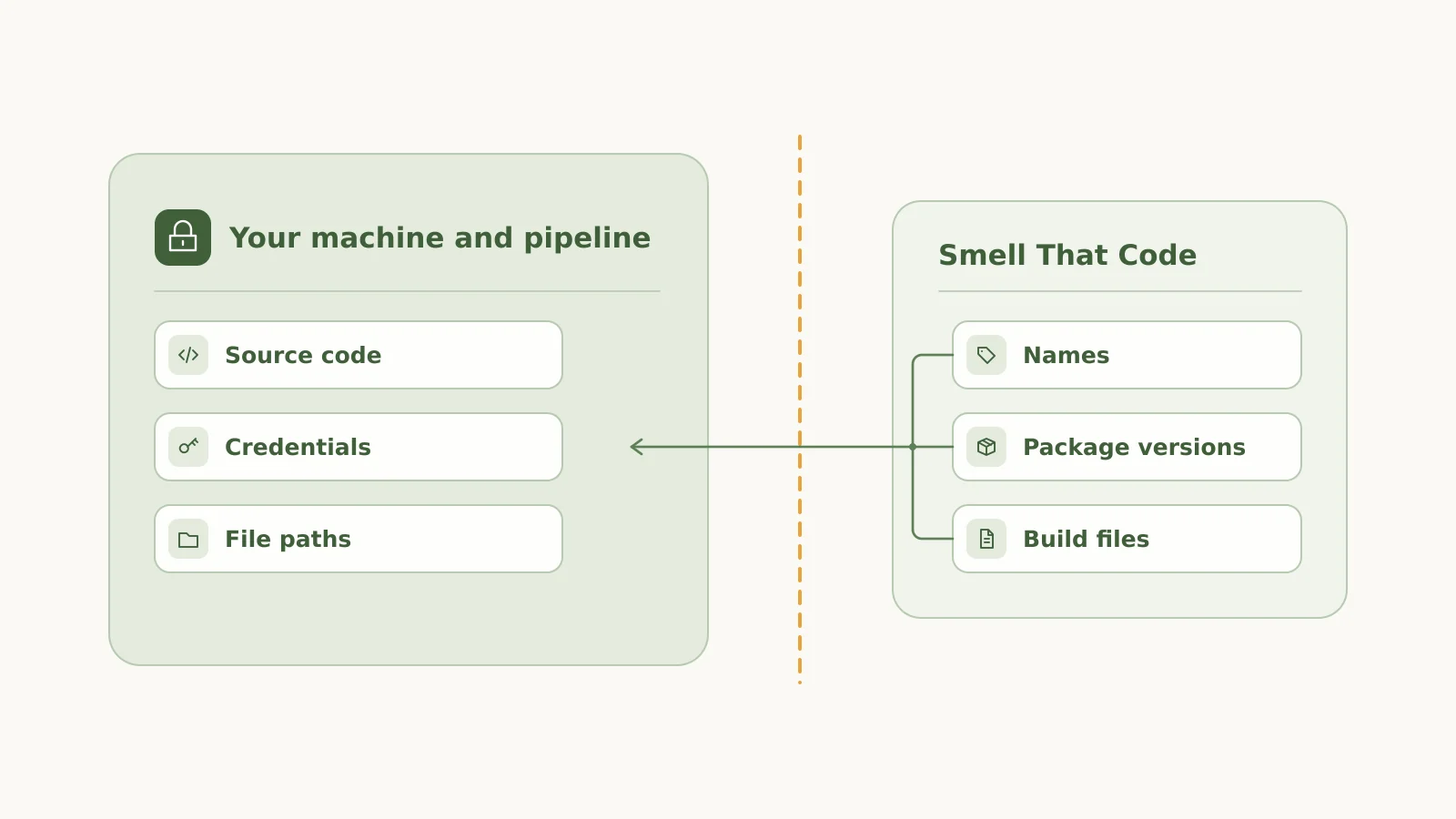
What is uploaded
The scan reads your projects and uploads this, and nothing else.
Names
Repository, solution and project names.
Target frameworks
The target framework of each project.
Package ids and versions
The declared and the resolved version of each package.
The feed
The feed each package came from.
Build files
The text of csproj, Directory.Build.props, Directory.Build.targets and Directory.Packages.props.
What is never uploaded
Source code
Your source code stays on your machine and in your pipeline.
Credentials
Passwords and tokens are never uploaded.
Absolute paths
File paths on your machine or build agent are never uploaded.
Questions security teams ask
Where do the sign-in details go?
In a pipeline they come from secret variables. The token stays in memory and is never uploaded.
What does stc change?
stc edits local build files and runs restore, build and test. It does not commit, push or merge. What happens after a green run is decided by your own pipeline.
Is Smell That Code certified?
No certification is claimed, and Smell That Code does not make you compliant with any standard.
Join the waitlist
Smell That Code is not open to everyone yet. Join the waitlist and we will tell you when you can try it. A free tier lets you try it on your own repositories.